Your profile
Since 0.1.0
Your profile is where your account details and personal settings live.
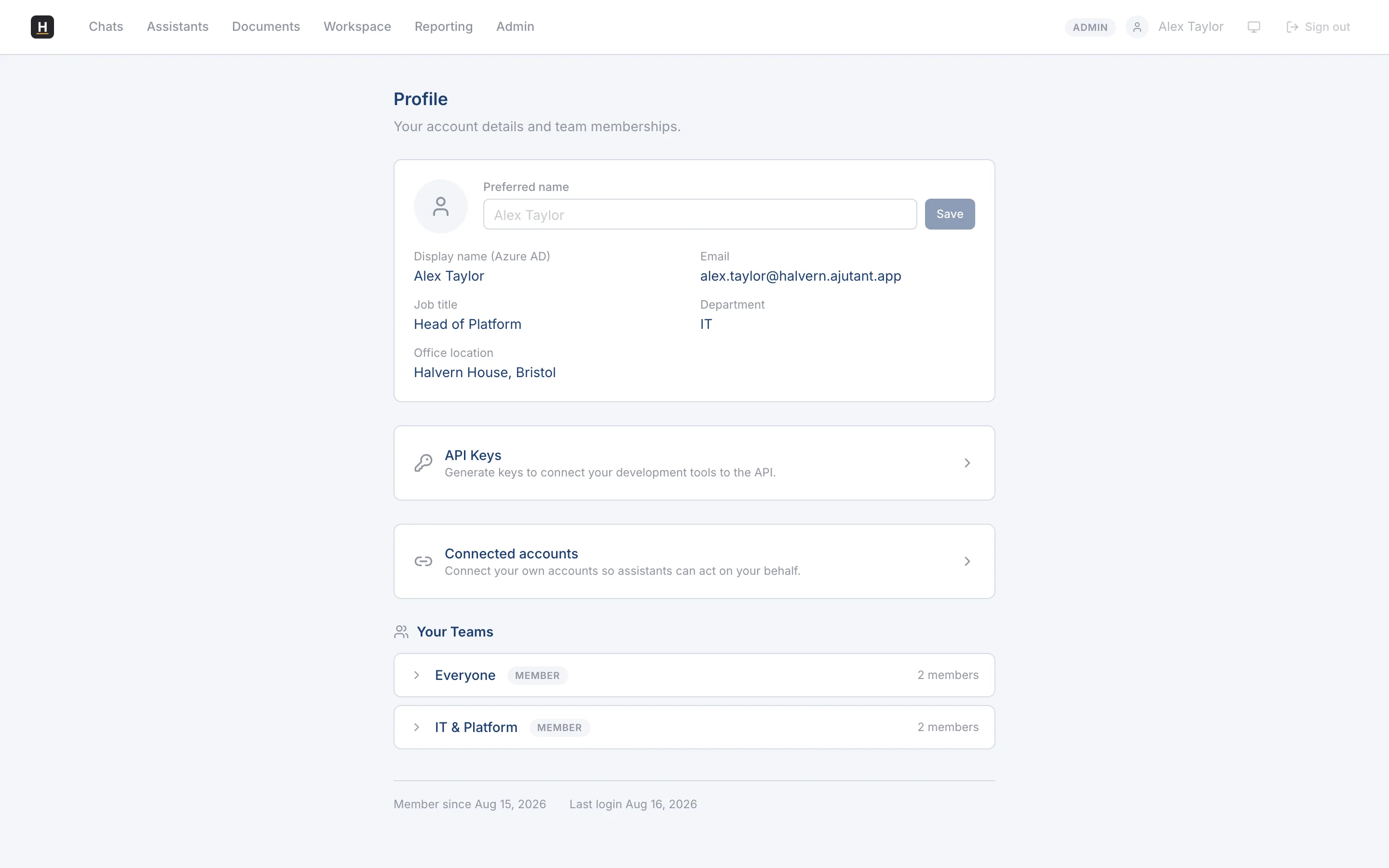
Your details
Section titled “Your details”See your name, job title, department, and office location (drawn from your Microsoft profile), and set a preferred name if you’d like to be shown differently. You can also see the teams you belong to.
Connected accounts
Section titled “Connected accounts”If assistants in your organisation can act on your behalf in other systems, you connect your own accounts here, and disconnect them whenever you like. Each connection is yours; an assistant only ever acts as you when you’ve connected the account.
Personal API keys
Section titled “Personal API keys”If you’re a developer and your team has the developer API enabled, you can generate and revoke your own API keys from your profile, and copy the base URL to point your tools at. See the Developer API lane for how to use them.