Users, teams, and roles
Access in Ajutant is governed by roles made of capabilities, assigned to users, who are grouped into teams.
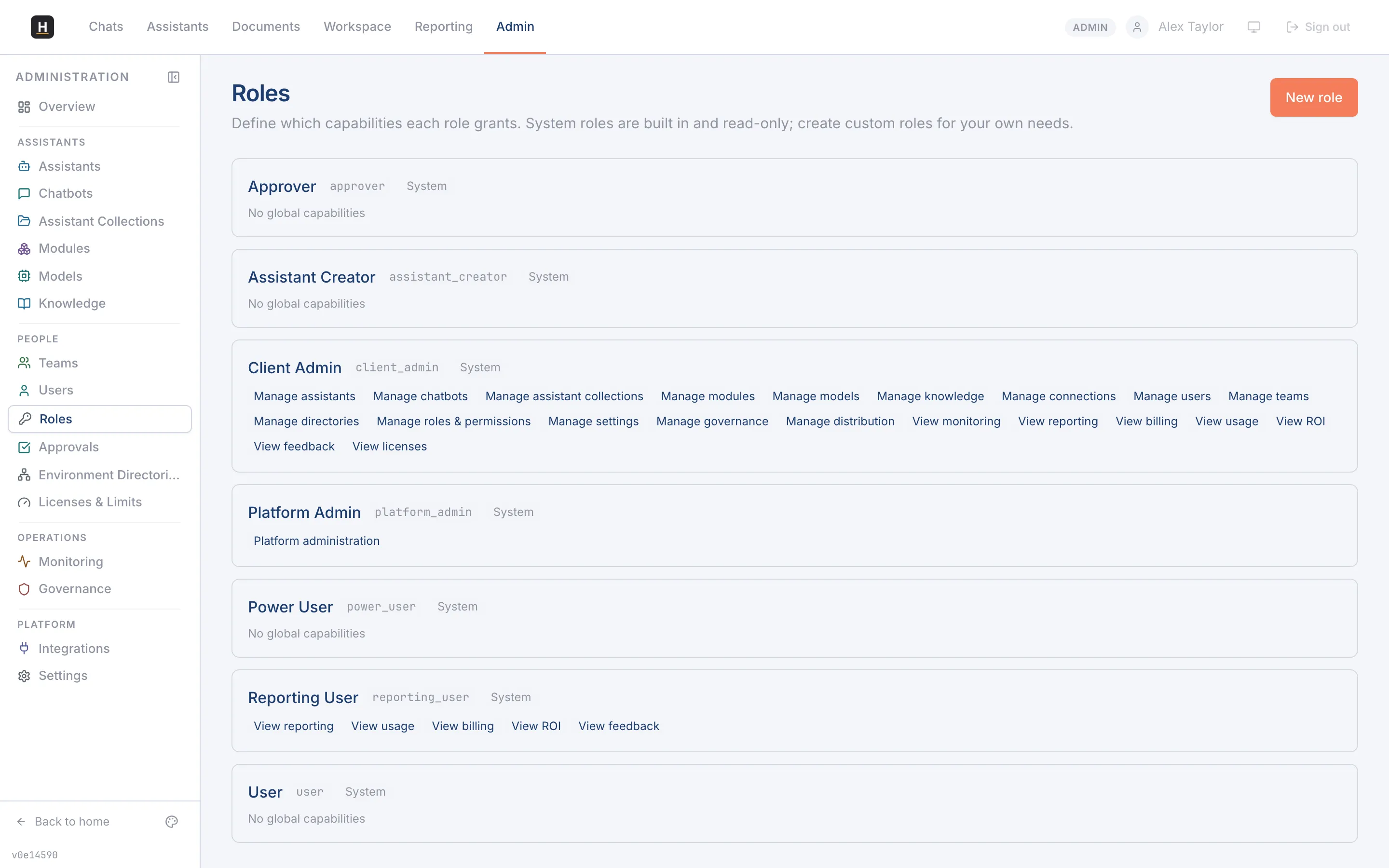
People sign in with their Microsoft account; new users are set up automatically on first sign-in. Manage accounts under Admin → Users: view them, assign roles, and deactivate anyone who should no longer have access.
Teams group users so you can share assistants, documents, and chats with the right people. Assign users to teams, and publish assistants to a team so its members can use them.
Roles and capabilities
Section titled “Roles and capabilities”A role grants a set of capabilities: each capability unlocks one admin area or action (for example, “Manage governance” or “Manage models”). Ajutant ships system roles (Client Admin, Reporting User, and so on) and lets you create custom roles with exactly the capabilities you choose. UI visibility and the underlying API are gated by the same capability, so what someone can see matches what they can do.