Your chats
Since 0.1.0
Every conversation is saved, so you can come back to it, search across your history, and share useful chats with colleagues.
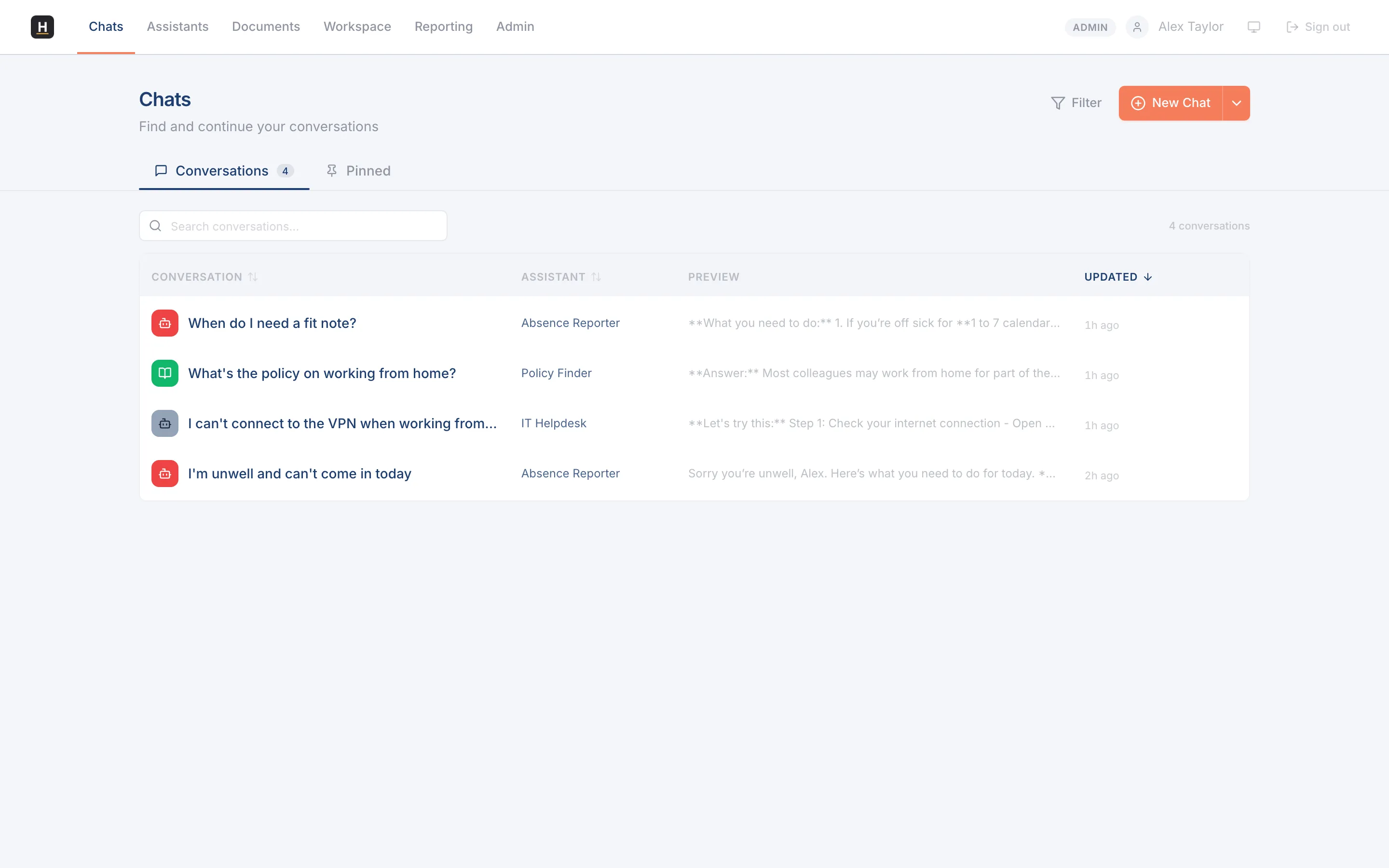
Find a past conversation
Section titled “Find a past conversation”Open Chats to see your history. Conversations are given meaningful titles automatically, so they’re easy to scan, and you can search the full text of all your chats to find the one you need.
Rename, delete, and organise
Section titled “Rename, delete, and organise”Rename a conversation to something clearer, or delete ones you no longer need. Filters let you narrow the list by assistant.
Share a chat with your team
Section titled “Share a chat with your team”You can share a conversation with a team. Shared chats appear in your team’s space as read-only, so colleagues can see how something was handled without changing it.