Chatting with an assistant
Since 0.1.0
The conversation is the heart of Ajutant. Here’s how to get the most from it.
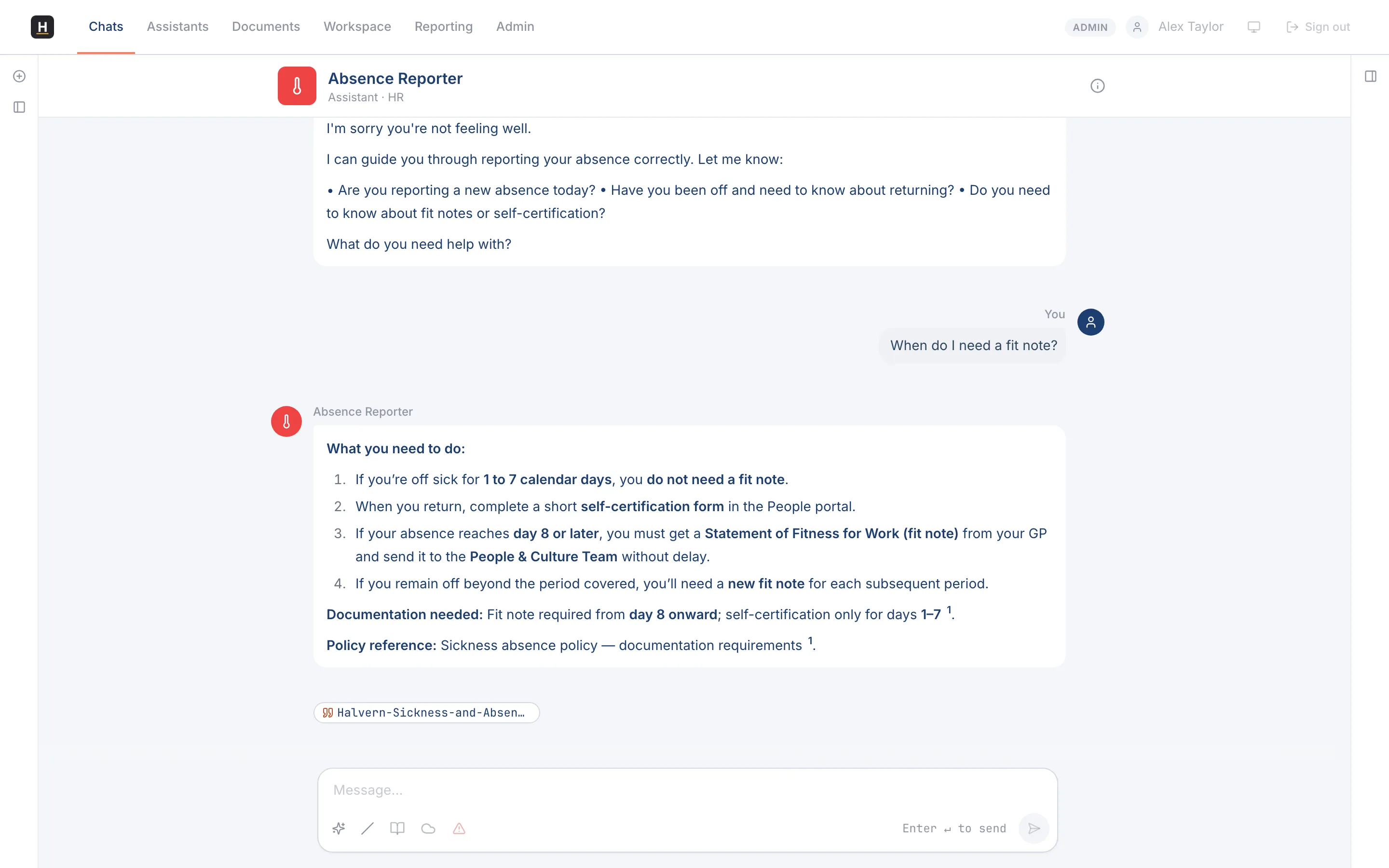
Hold a conversation
Section titled “Hold a conversation”-
Open an assistant and type your question in the message box.
-
The reply streams in as it’s written.
-
If it’s heading the wrong way, select Stop to cancel, then refine your question and try again.
See the assistant’s reasoning
Section titled “See the assistant’s reasoning”Some assistants can show their thinking: a step-by-step view of how they reached an answer. When it’s available, you can expand it to check the reasoning before you rely on the result.
Give feedback
Section titled “Give feedback”Under each reply you can give a thumbs up or down. If a reply is seriously wrong or inappropriate, use Report to flag it. Your feedback goes to your administrators, who use it to improve the assistants.
What else you can do
Section titled “What else you can do”- Search the web mid-conversation (when the assistant supports it).
- Work with images by uploading or pasting them.
- Chat over your documents for cited, grounded answers.