Monitoring and diagnostics
Client Admin View monitoring Since 0.1.0
The monitoring area is where you keep an eye on what’s happening and step in when needed.
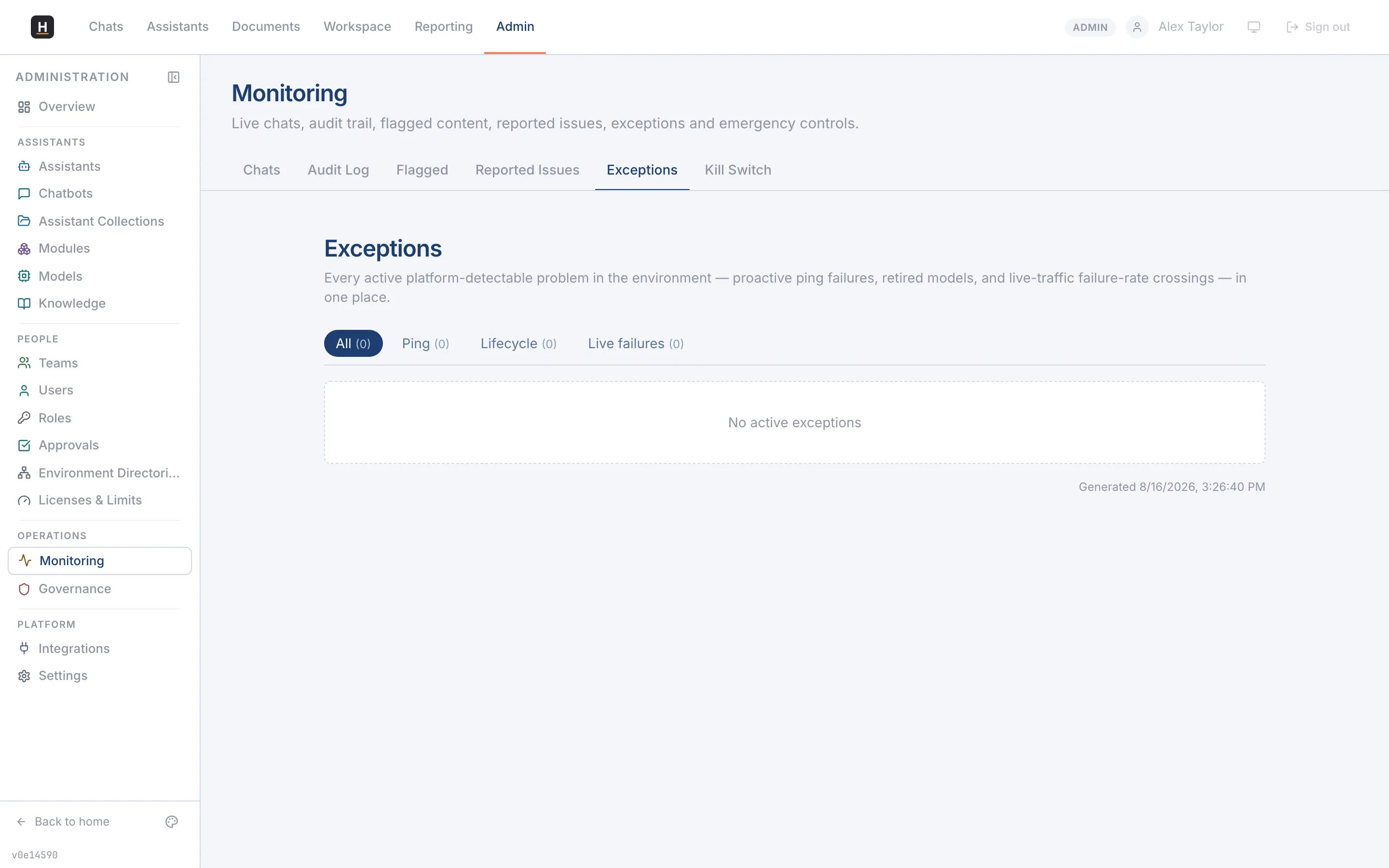
What you can see
Section titled “What you can see”- Chats: browse conversations with their indicative cost.
- Audit log: an immutable record of who did what, exportable for compliance.
- Flagged & reported: responses users flagged, and serious issues they reported.
- Exceptions: every platform-detectable problem in one place: proactive health-check failures, retired models, and live failure-rate crossings.
- Kill switch: the emergency controls (see Approval and the kill switch).
Diagnostics that help you act
Section titled “Diagnostics that help you act”Failures are categorised with recommended actions, and deployments show health badges. Background health checks can auto-deactivate a chatbot that’s consistently failing, so a broken model doesn’t keep serving errors.