Configure guardrails & PII redaction
Guardrails are the input/output checks every conversation passes through, including PII detection and redaction. You set platform-wide defaults and, where needed, override them per assistant.
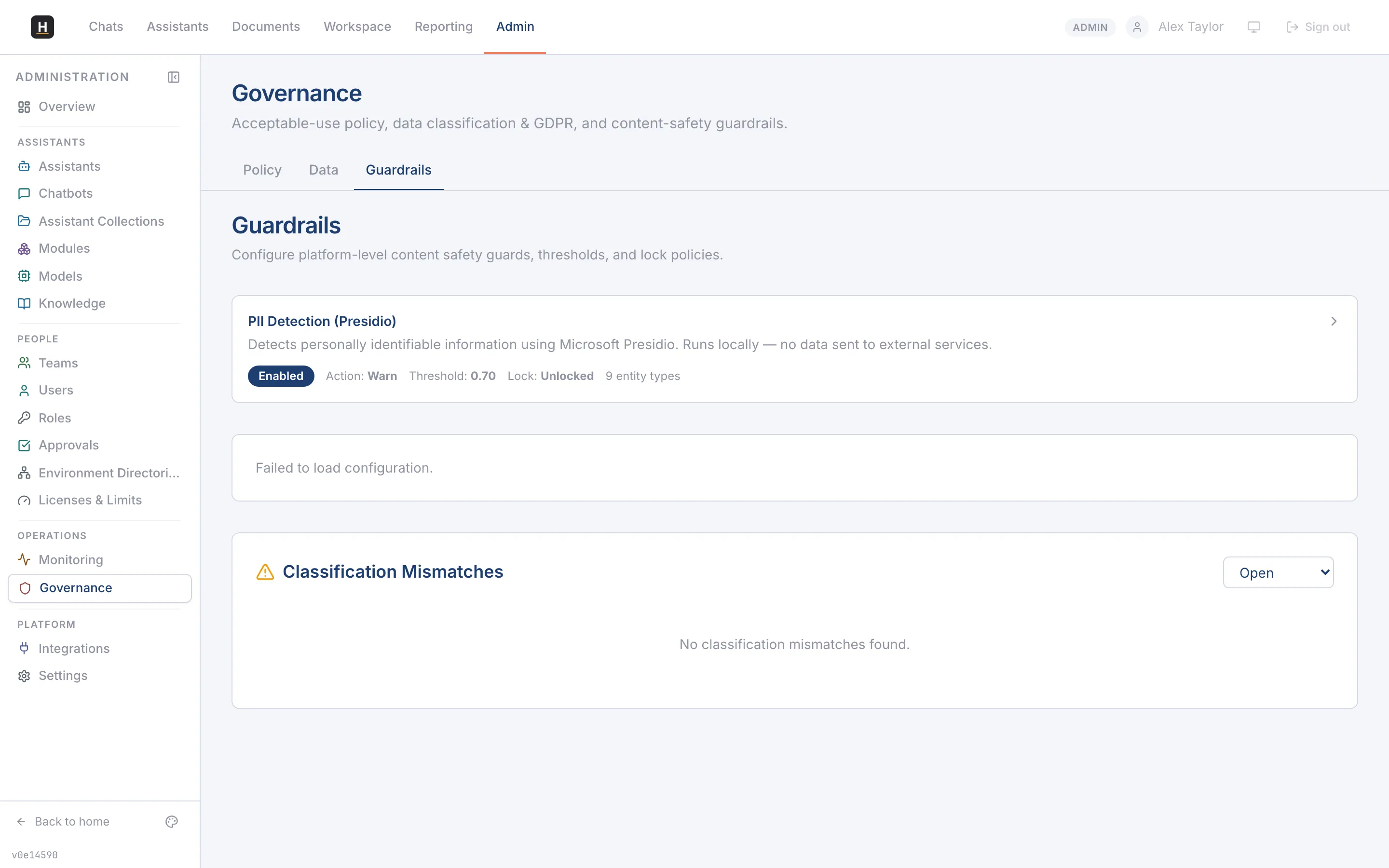
Set platform defaults
Section titled “Set platform defaults”-
Go to Admin → Governance → Guardrails.
-
Review the system default guards. The PII guard uses Presidio to detect entities (names, emails, national IDs, and more).
-
For each guard, choose an action: allow, redact, or block.
-
Save. New defaults apply to every conversation unless an assistant overrides them.
Override for a single assistant
Section titled “Override for a single assistant”Open the assistant editor → Compliance (under Govern) → Guardrails. Toggle off “use system defaults” to set assistant-specific actions, for example, stricter redaction for an assistant that handles HR records.
See what the guards did
Section titled “See what the guards did”Redactions and blocks are recorded. Go to Admin → Governance → Guardrails → Logs (or Monitoring → Audit Log) to review guard activity for compliance.
Related
Section titled “Related”- GDPR, classification & lawful basis
- The governance model (concept)