Your document library
Since 0.1.0
Your document library holds the files you’ve added, from chat uploads or added directly, so you can find, preview, and reuse them.
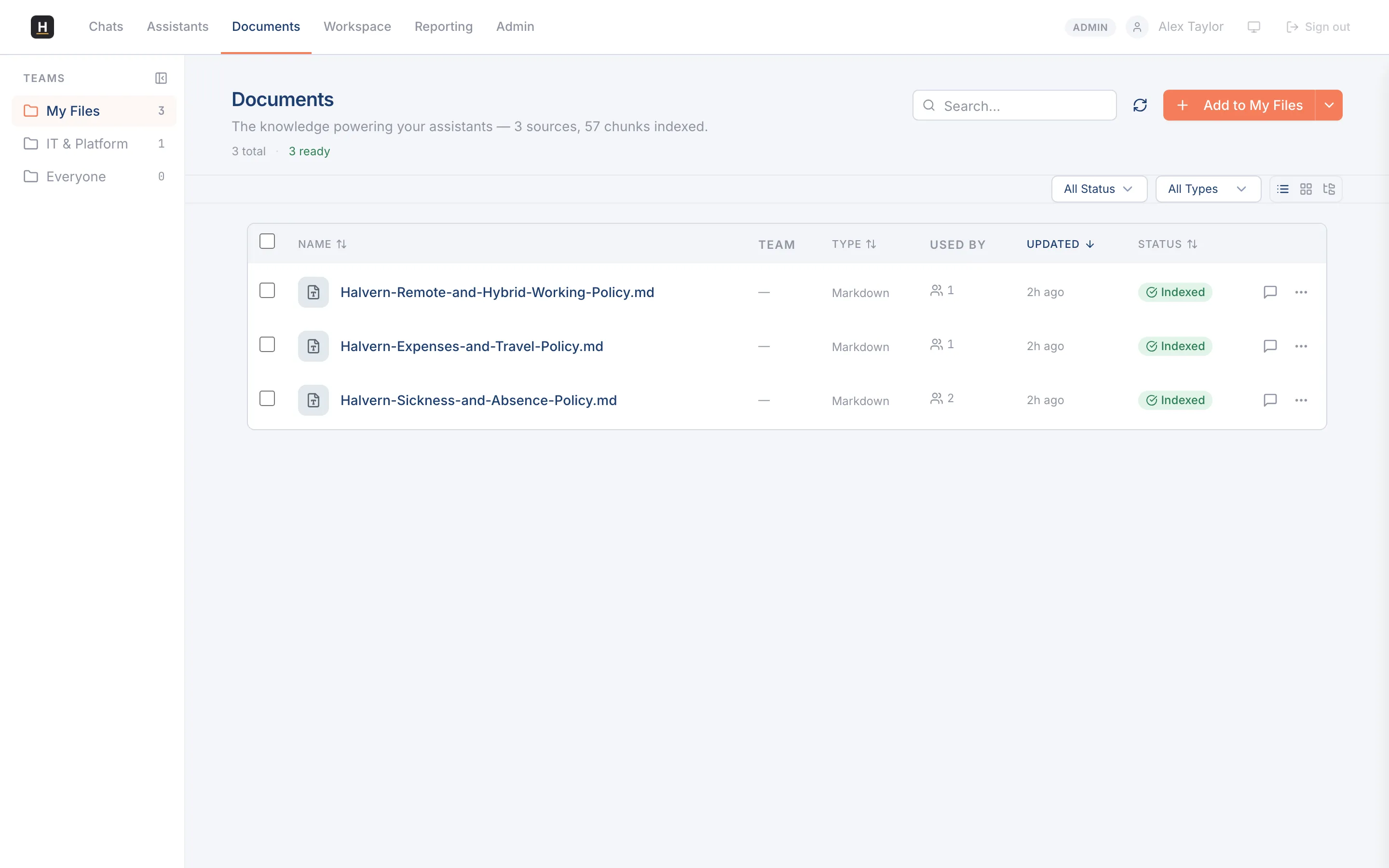
Scopes: who can see a file
Section titled “Scopes: who can see a file”Documents are organised by who they’re shared with:
- My files: only you.
- Team: the teams you belong to.
- Everyone: everyone in your organisation.
Tabs across the top switch between these scopes, each with its own count.
Share a file more widely
Section titled “Share a file more widely”From a document’s detail panel you can share it with a team, and, if you’re an administrator, make it available to everyone. Promoting a file changes who can find and use it in their conversations.
Preview and cite
Section titled “Preview and cite”Open any document to preview it in place: PDFs, Office files, text, and images, without downloading. When an assistant cites a document, you can click through to the exact page.