Create an assistant manually
Assistant Creator Manage assistants Since 0.1.0
Prefer full control from the start, or building something unusual? Create an assistant from scratch. (For a faster start, build with AI and edit the draft.)
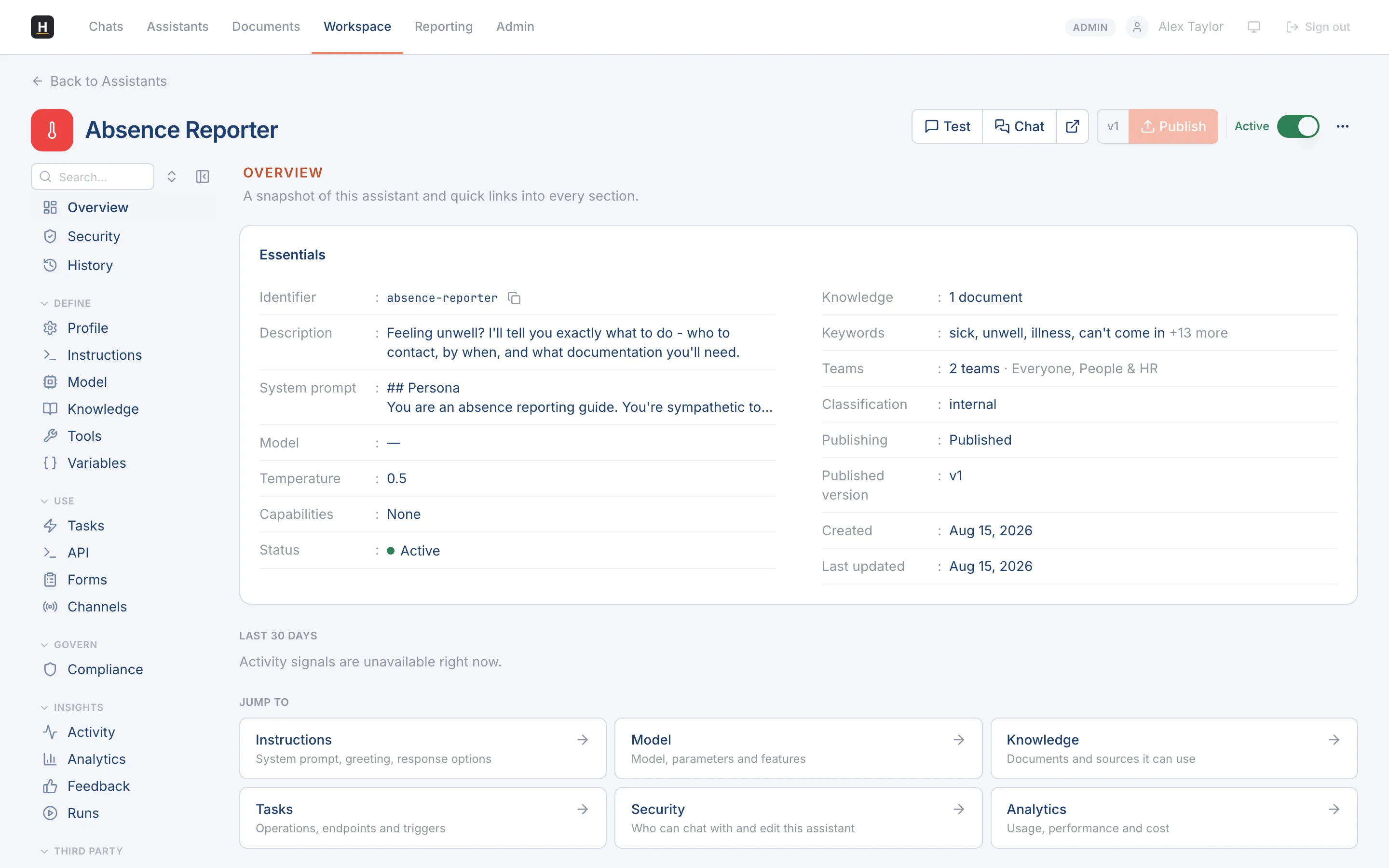
Create one
Section titled “Create one”-
From Workspace → My Assistants (or Admin → Assistants), select New.
-
Give it a name and description, the description is what the Receptionist and users see, so make it clear.
-
Write its instructions and persona.
-
Add knowledge, tools, and tasks or forms as needed.
Import instead
Section titled “Import instead”You can also import an assistant definition that was exported from another environment, which brings its configuration in as a draft for you to review and publish.